Step-by-step scenario development in 3D for emergency services
Step-by-step scenario development in 3D for emergency services
Using photorealistic maps and virtual objects, you can set up your own 3D "powerpoint."
Using photorealistic maps and virtual objects, you can set up your own 3D "powerpoint."
Scroll down

Create any scenario for play-through
Create any scenario for play-through
Create realistic situations for training, discussion, and better preparedness.
Create realistic situations for training, discussion, and better preparedness.
#Discussion
#Training
#Evaluation
#Debrief
CREATE
CREATE
Build a sequence - In the same way as a PowerPoint
Build a sequence - In the same way as a PowerPoint
Plan and build in VR glasses or on PC
Plan and build in VR glasses or on PC
01 Find location
02 Place objects
03 Choose perspective
04 Add new scene - and repeat

Search for a place anywhere in the world - Or drag yourself through the map manually
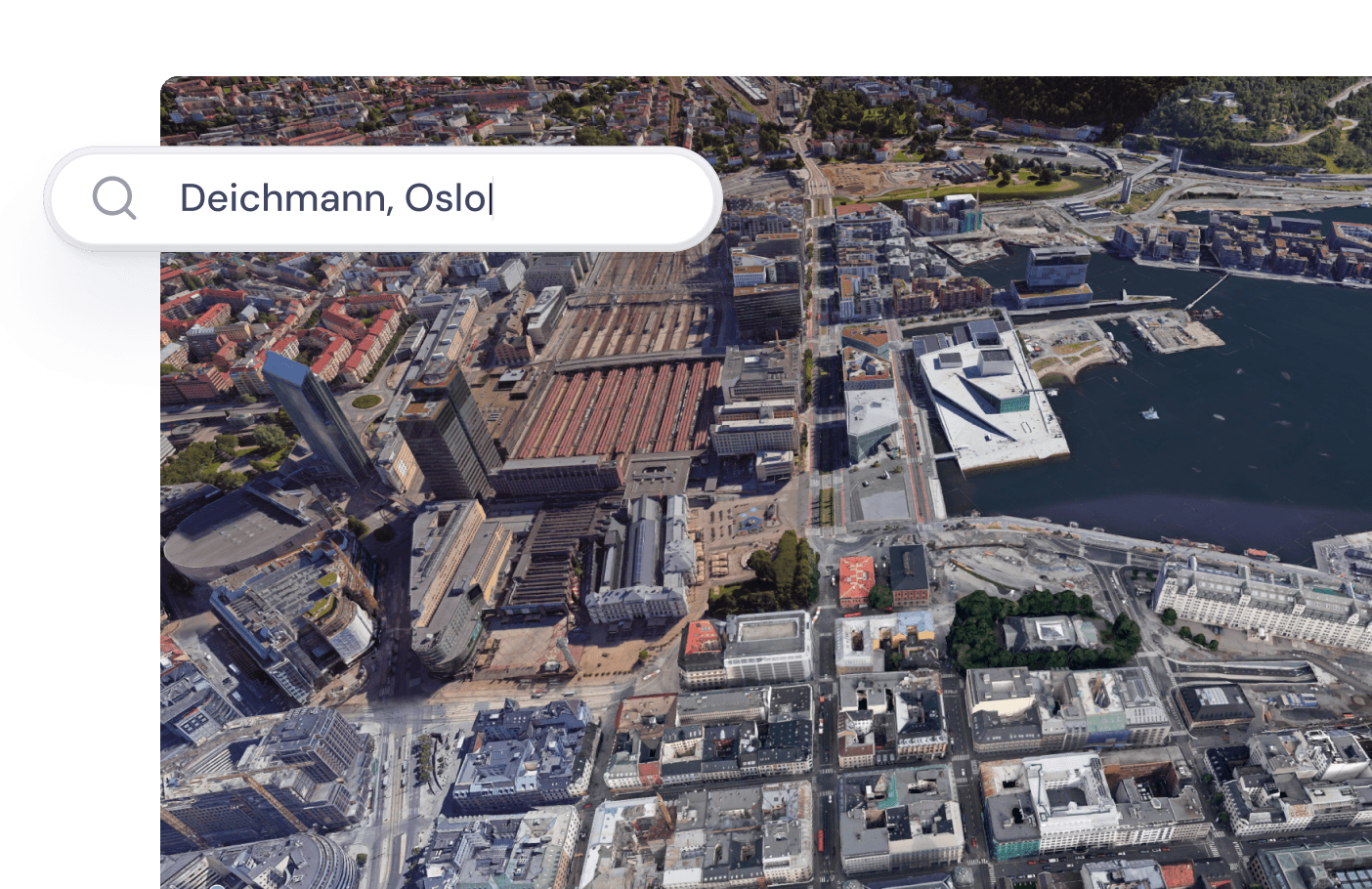
01 Find location
Search for a place anywhere in the world - Or drag yourself through the map manually
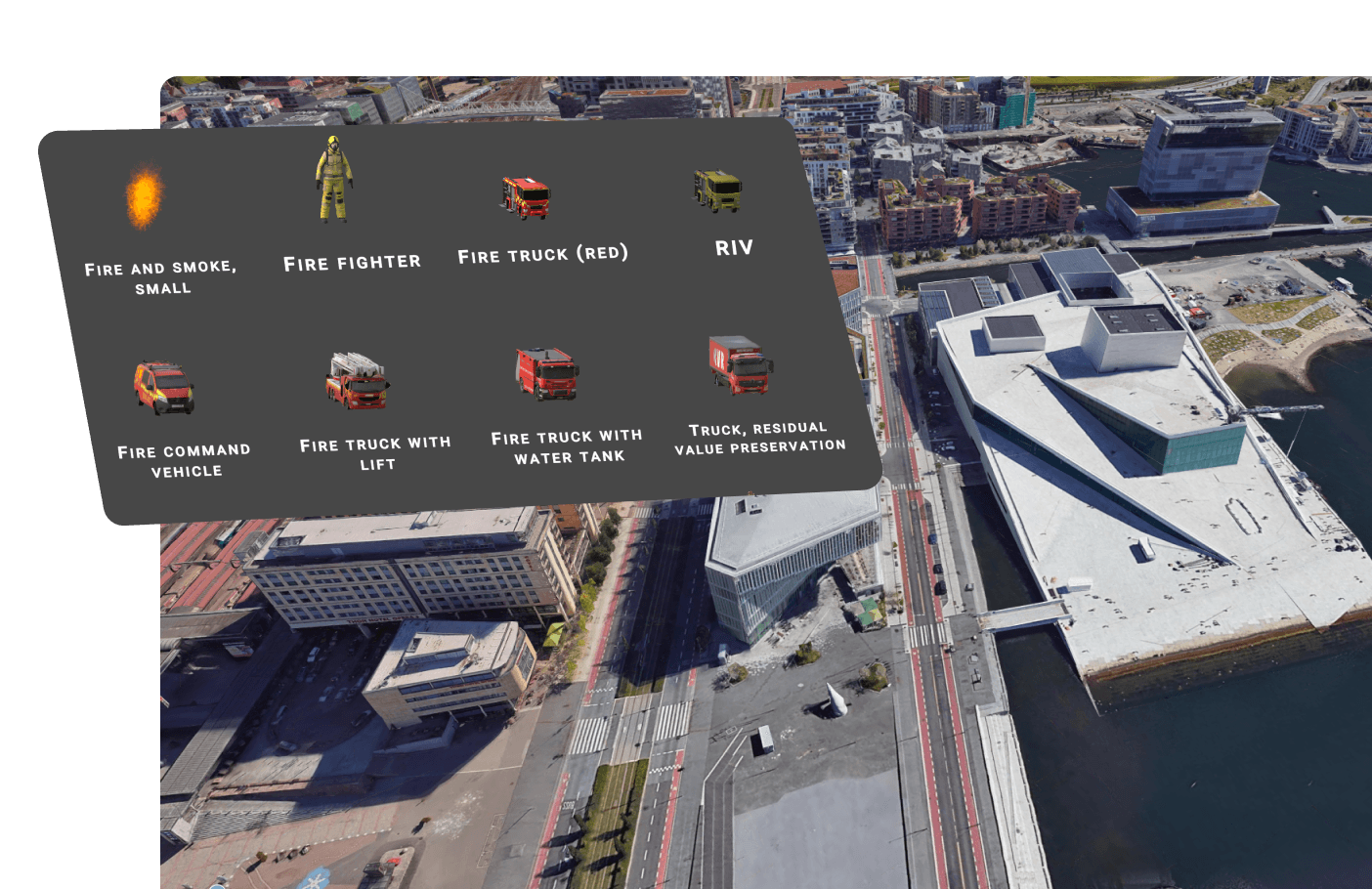
02 Plasser ut objekter
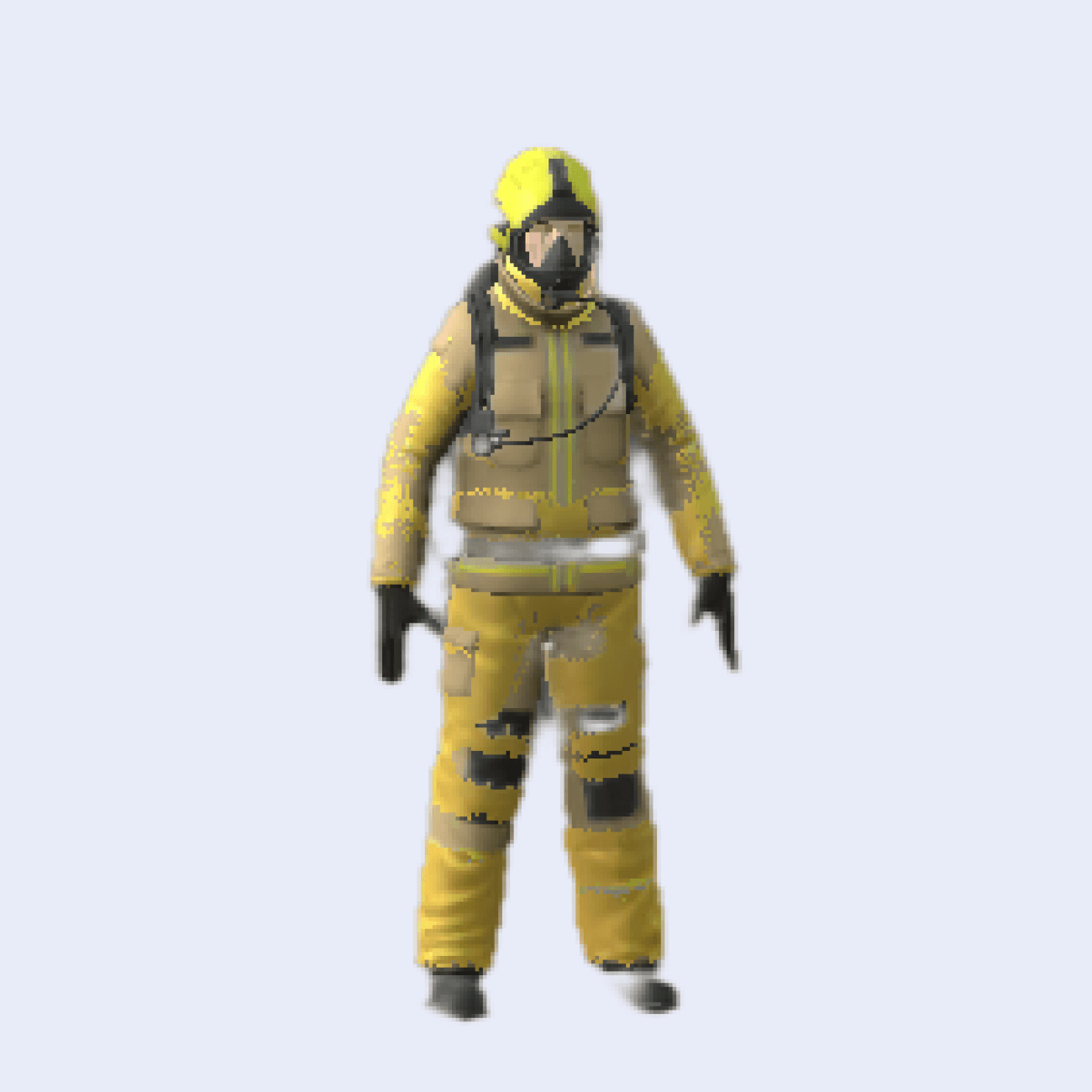
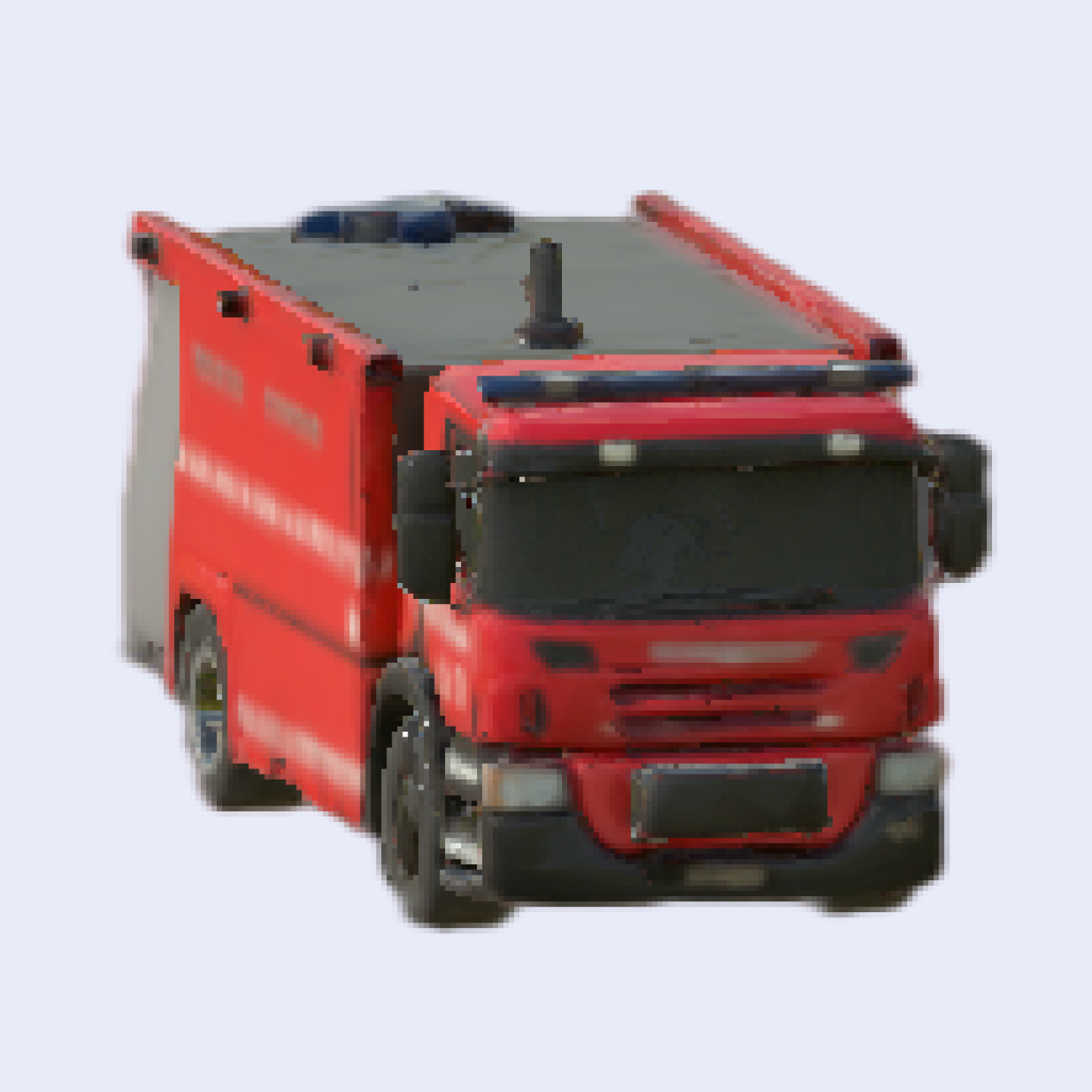
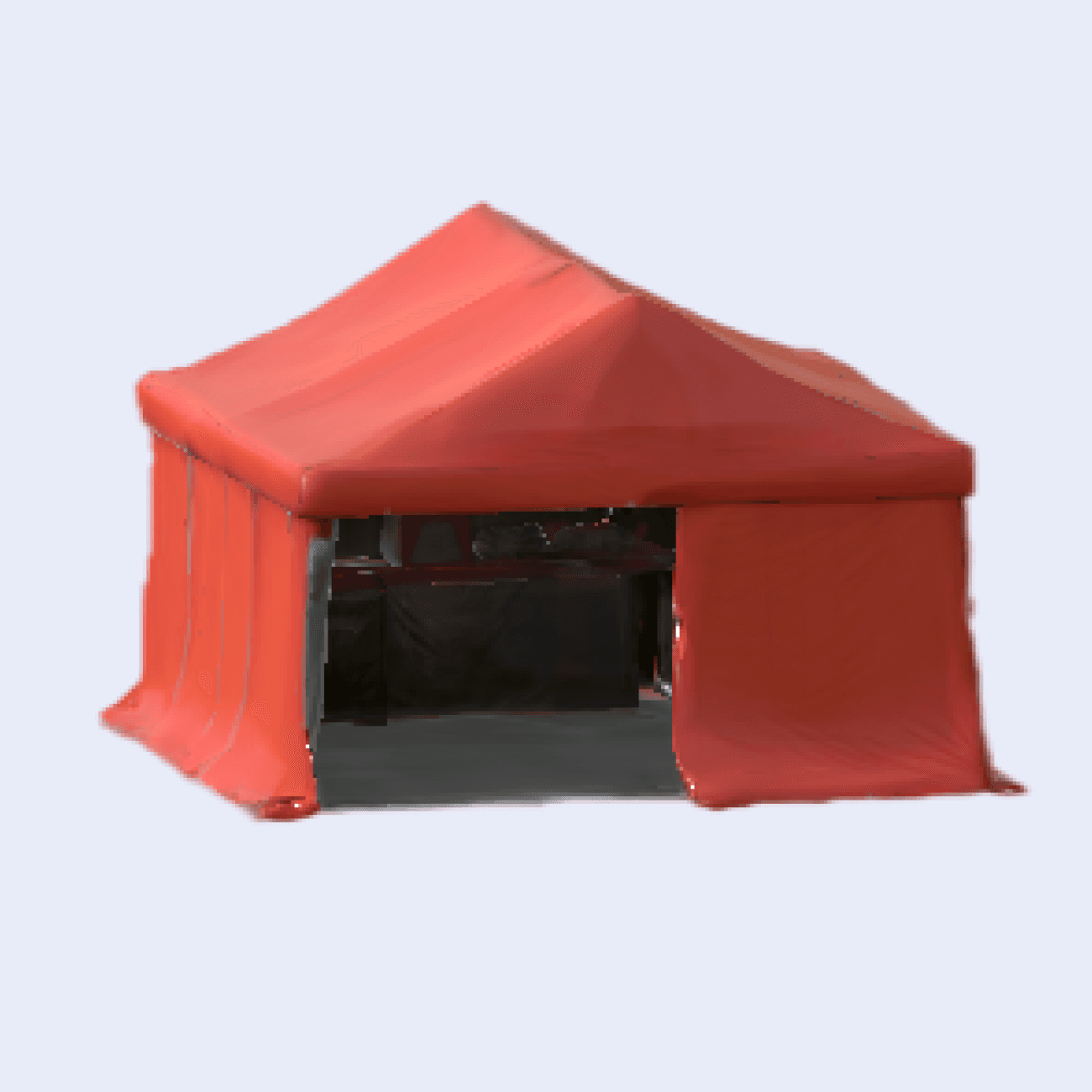
Sett ut de objektene du ønsker fra en palett. Ved hjelp av bilder få generert opp egne kjøretøy eller utstyr til paletten. Du kan også tildele spillkort med tekst til deltakerne.
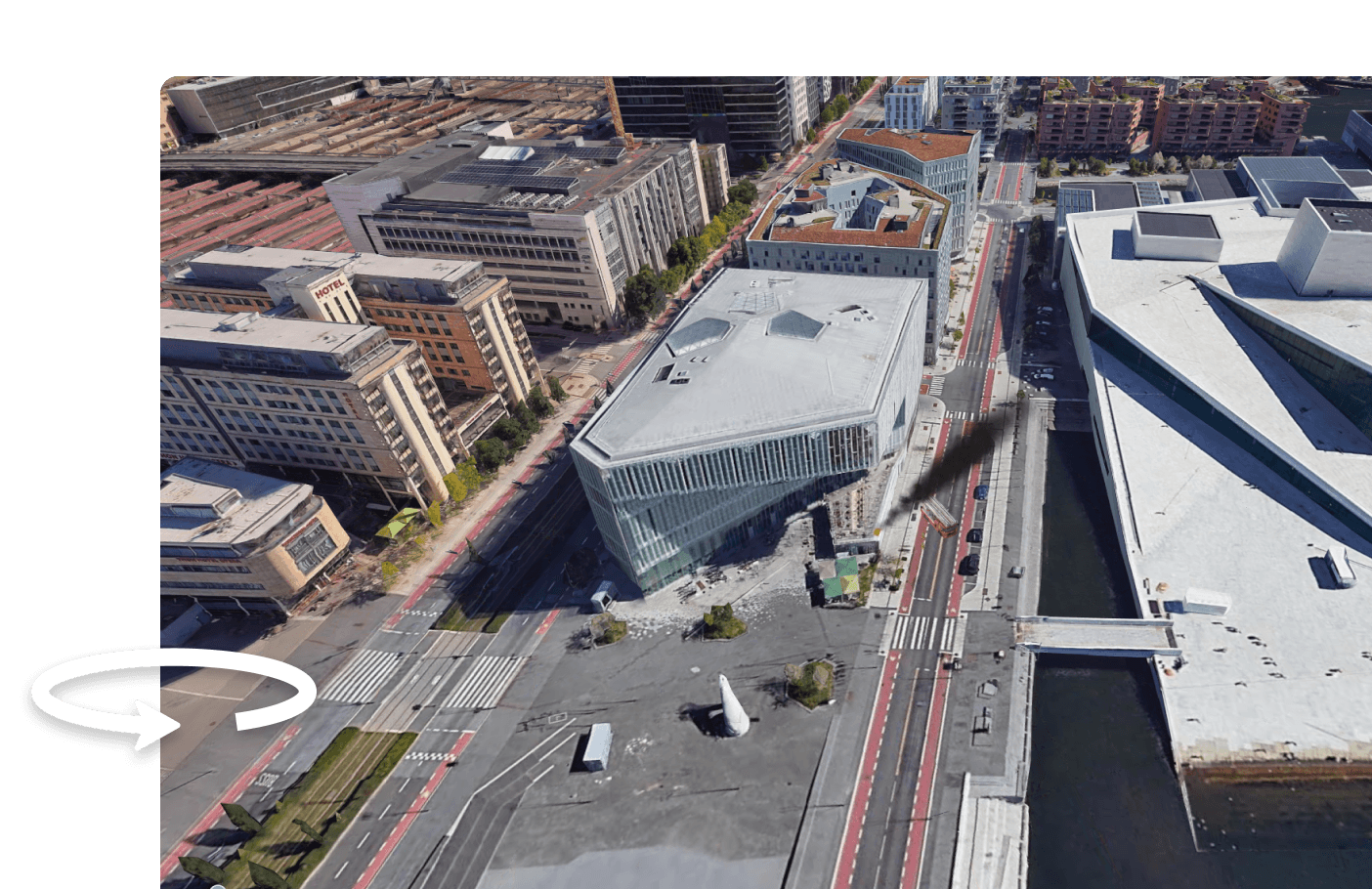
03 Velg synsvinkel
Finn den vikelen du ønsker at bildet først skal vises i for det aktuelle steget.
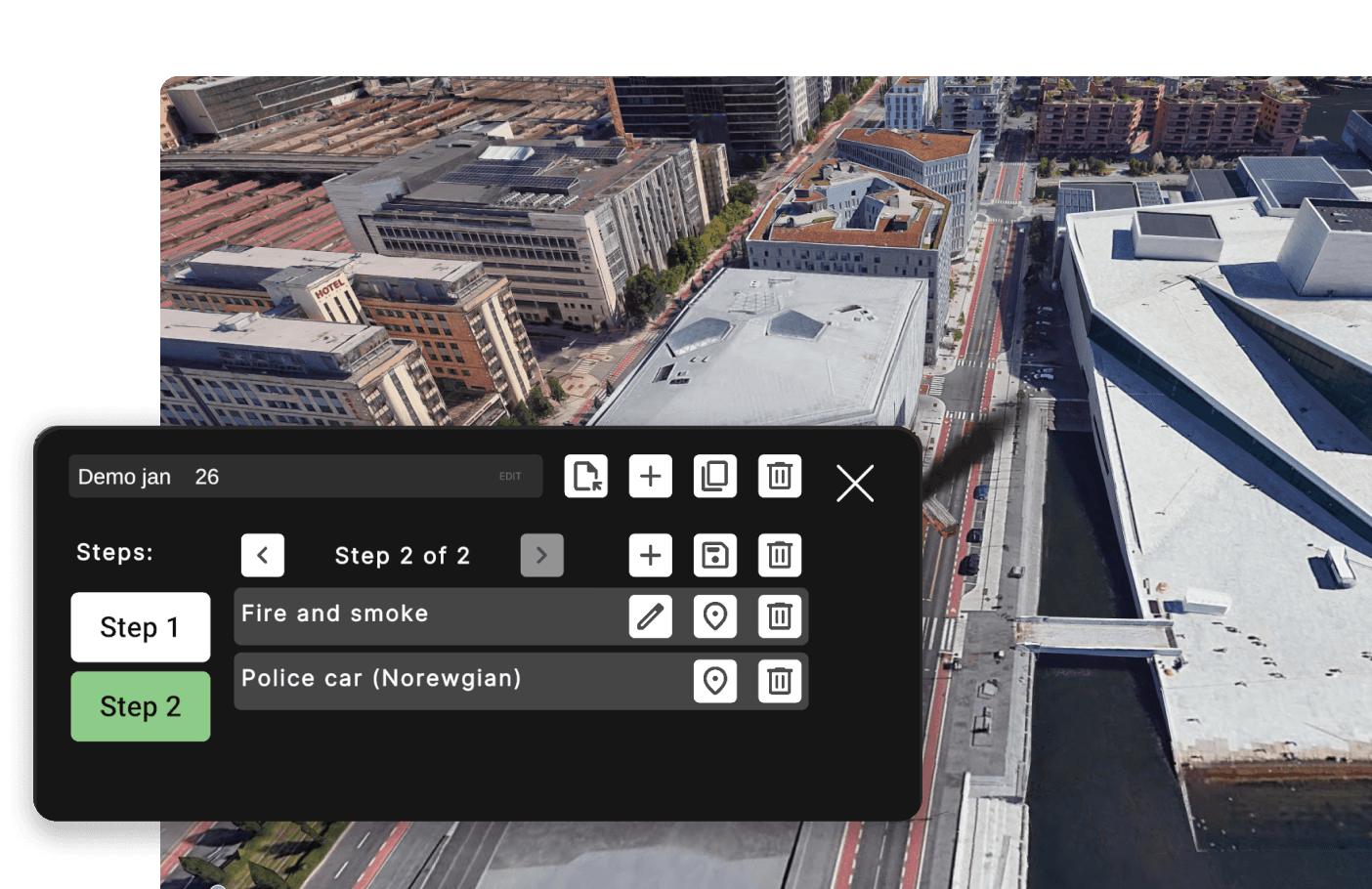
04 Legg til ny scene - og gjenta
Bygg en sekvens med scener. Gjør justeringer, legg til eller fjern objekter, og legg til ny scene.
01 Find location
Search for a place anywhere in the world - Or drag yourself through the map manually
02 Plasser ut objekter
Sett ut de objektene du ønsker fra en palett. Ved hjelp av bilder få generert opp egne kjøretøy eller utstyr til paletten. Du kan også tildele spillkort med tekst til deltakerne.
03 Velg synsvinkel
Finn den vikelen du ønsker at bildet først skal vises i for det aktuelle steget.
04 Legg til ny scene - og gjenta
Bygg en sekvens med scener. Gjør justeringer, legg til eller fjern objekter, og legg til ny scene.
01 Find location
Search for a place anywhere in the world - Or drag yourself through the map manually
02 Plasser ut objekter
Sett ut de objektene du ønsker fra en palett. Ved hjelp av bilder få generert opp egne kjøretøy eller utstyr til paletten. Du kan også tildele spillkort med tekst til deltakerne.
03 Velg synsvinkel
Finn den vikelen du ønsker at bildet først skal vises i for det aktuelle steget.
04 Legg til ny scene - og gjenta
Bygg en sekvens med scener. Gjør justeringer, legg til eller fjern objekter, og legg til ny scene.
01 Find location
Search for a place anywhere in the world - Or drag yourself through the map manually
02 Plasser ut objekter
Sett ut de objektene du ønsker fra en palett. Ved hjelp av bilder få generert opp egne kjøretøy eller utstyr til paletten. Du kan også tildele spillkort med tekst til deltakerne.
03 Velg synsvinkel
Finn den vikelen du ønsker at bildet først skal vises i for det aktuelle steget.
04 Legg til ny scene - og gjenta
Bygg en sekvens med scener. Gjør justeringer, legg til eller fjern objekter, og legg til ny scene.
Execute
Execute
Go through what you have built
Go through what you have built
Play through in VR, on PC, tablet, or mobile. For a meeting, with colleagues, as a presentation, or other. Easily navigate forward and backward in the sequence.
Play through in VR, on PC, tablet, or mobile. For a meeting, with colleagues, as a presentation, or other. Easily navigate forward and backward in the sequence.
Tap here to see the scenario evolve
Empty
1/5
Overhead
Scenario: Fire in Main Street
Scenario: Fire in Main Street
Tap here to see the scenario evolve
Empty
1/5
Overhead
Work together in real time
Work together in real time
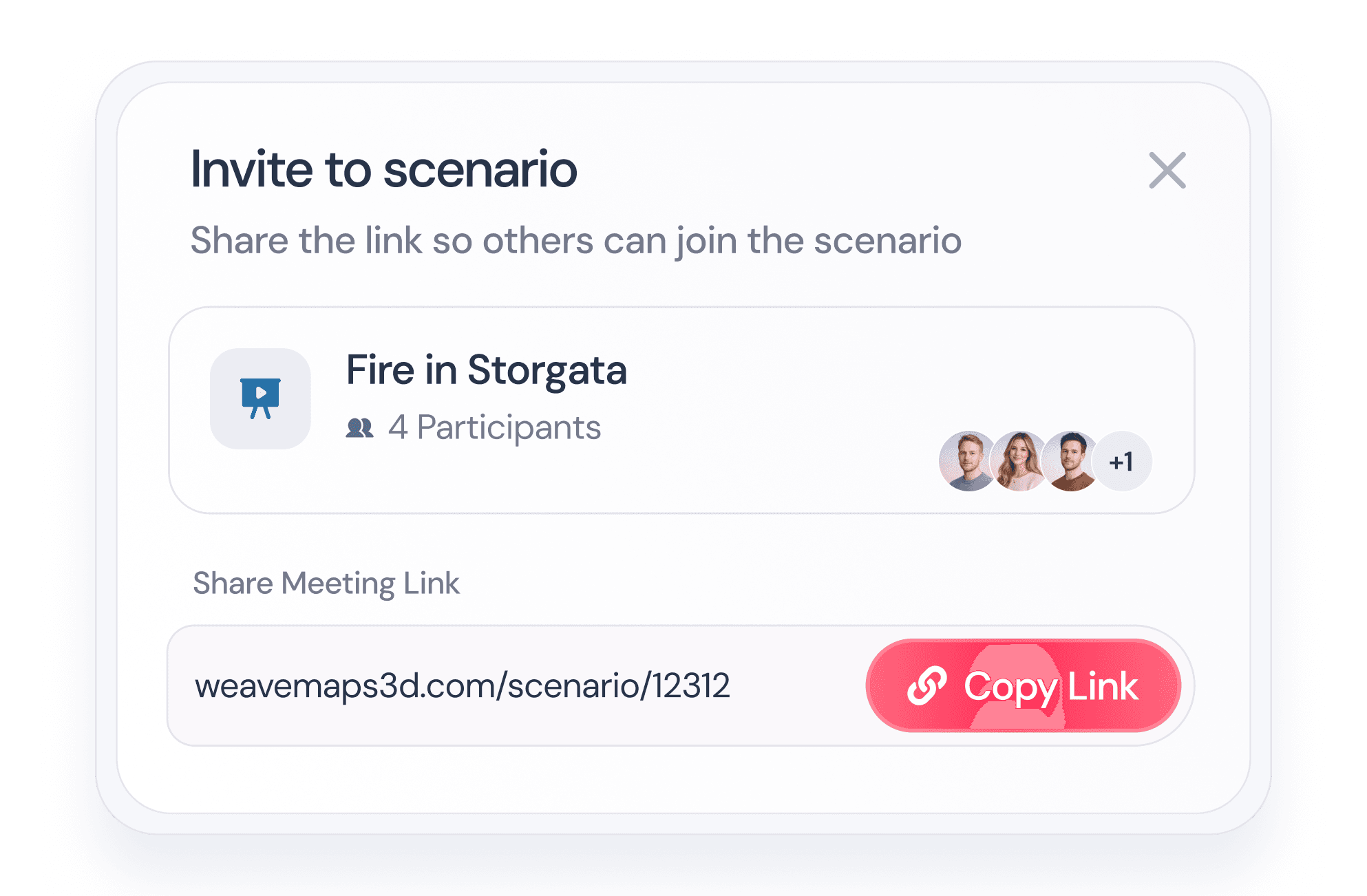
Invite 10+ users and collaborate in the same scenario simultaneously.
Invite 10+ users and collaborate in the same scenario simultaneously.

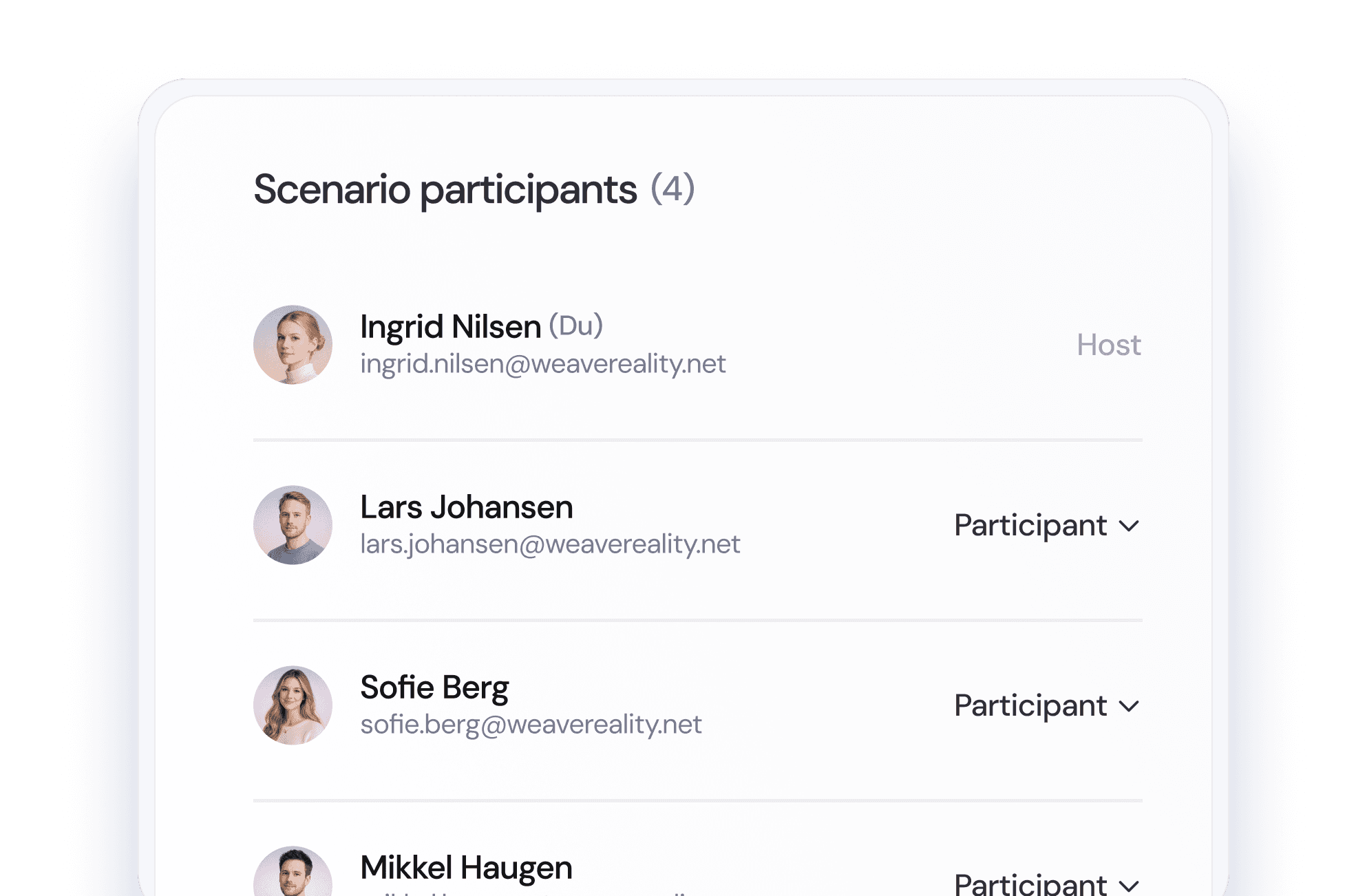
Join via login or link
Join via login or link
Log in on a PC, or receive a casting link and view the stream directly in your browser.
Log in on a PC, or receive a casting link and view the stream directly in your browser.

Explore the scene in Street View
Move down to street level and experience the surroundings in a realistic, photographic view.
Explore the scene in Street View
Move down to street level and experience the surroundings in a realistic, photographic view.
Join from any device
Join from any device
Participate using VR headsets, PC, mobile, or tablet — all supported seamlessly.
Participate using VR headsets, PC, mobile, or tablet — all supported seamlessly.

Make changes during the session
Make changes during the session
Adjust the scenario live and update the sequence while the session is running.
Adjust the scenario live and update the sequence while the session is running.
Learn & Archive
Learn & Archive
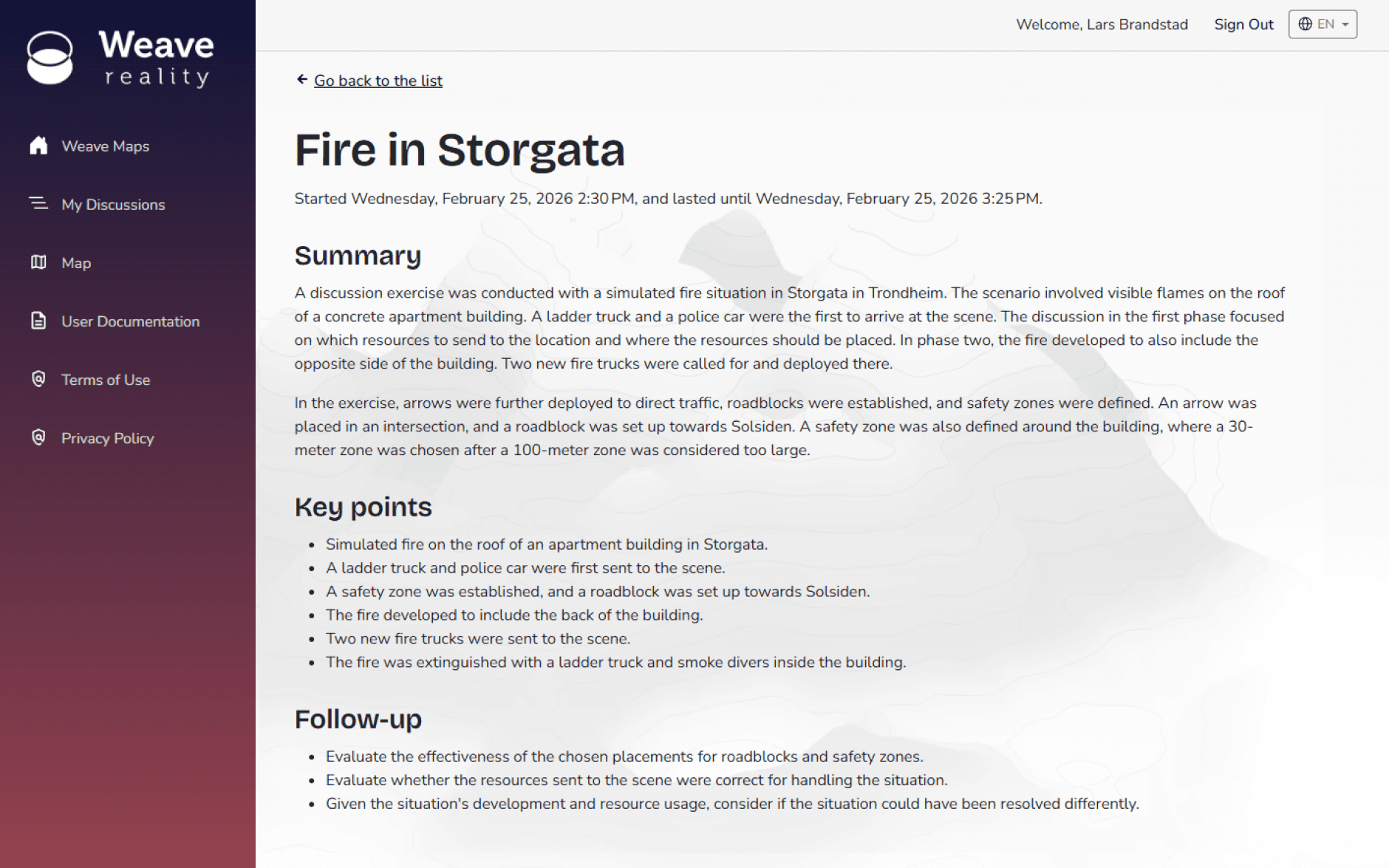
Get an automatic summary after session
Get an automatic summary after session
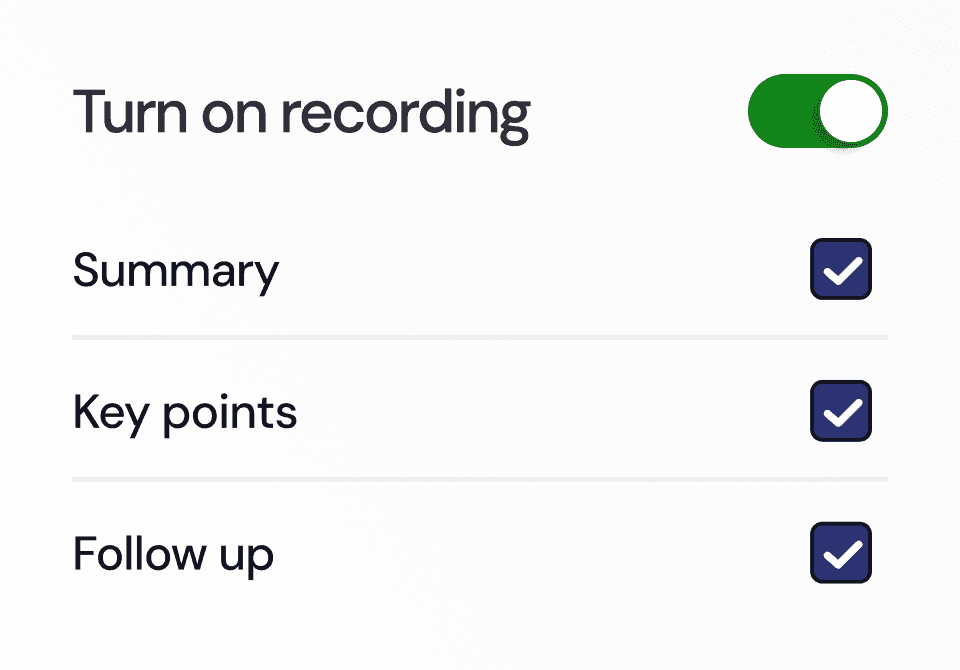
Choose whether you want to record the playback. The summary afterwards can be shared with the participants and archived.
Choose whether you want to record the playback. The summary afterwards can be shared with the participants and archived.
Areas of use
Areas of use
Better situational awareness regardless of context
Better situational awareness regardless of context
Weave Maps contributes to increased situational awareness and engagement among users in various contexts. Define yourself how you want to use the solution.
Weave Maps contributes to increased situational awareness and engagement among users in various contexts. Define yourself how you want to use the solution.
Discussion exercises
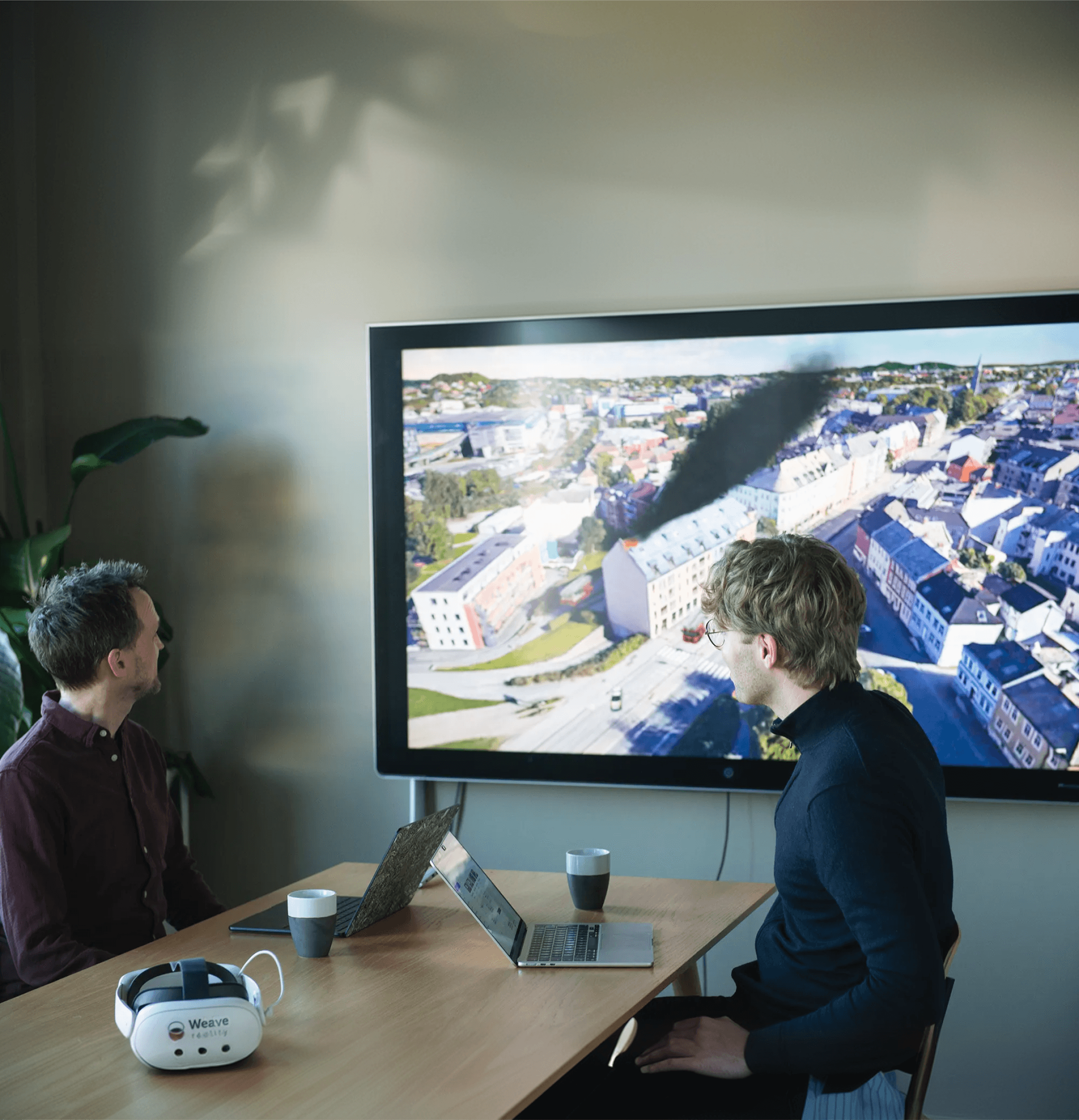
Discussion exercises
Construct scenarios for immediate or future replay.
Construct scenarios for immediate or future replay.
Visualization
Visualization
Create constructed scenes for immediate or future replay.
Create constructed scenes for immediate or future replay.
Evaluation
Evaluation
Recreate a real event for collective review and learning.
Recreate a real event for collective review and learning.
Experiences
Experiences
What do our users say
What do our users say
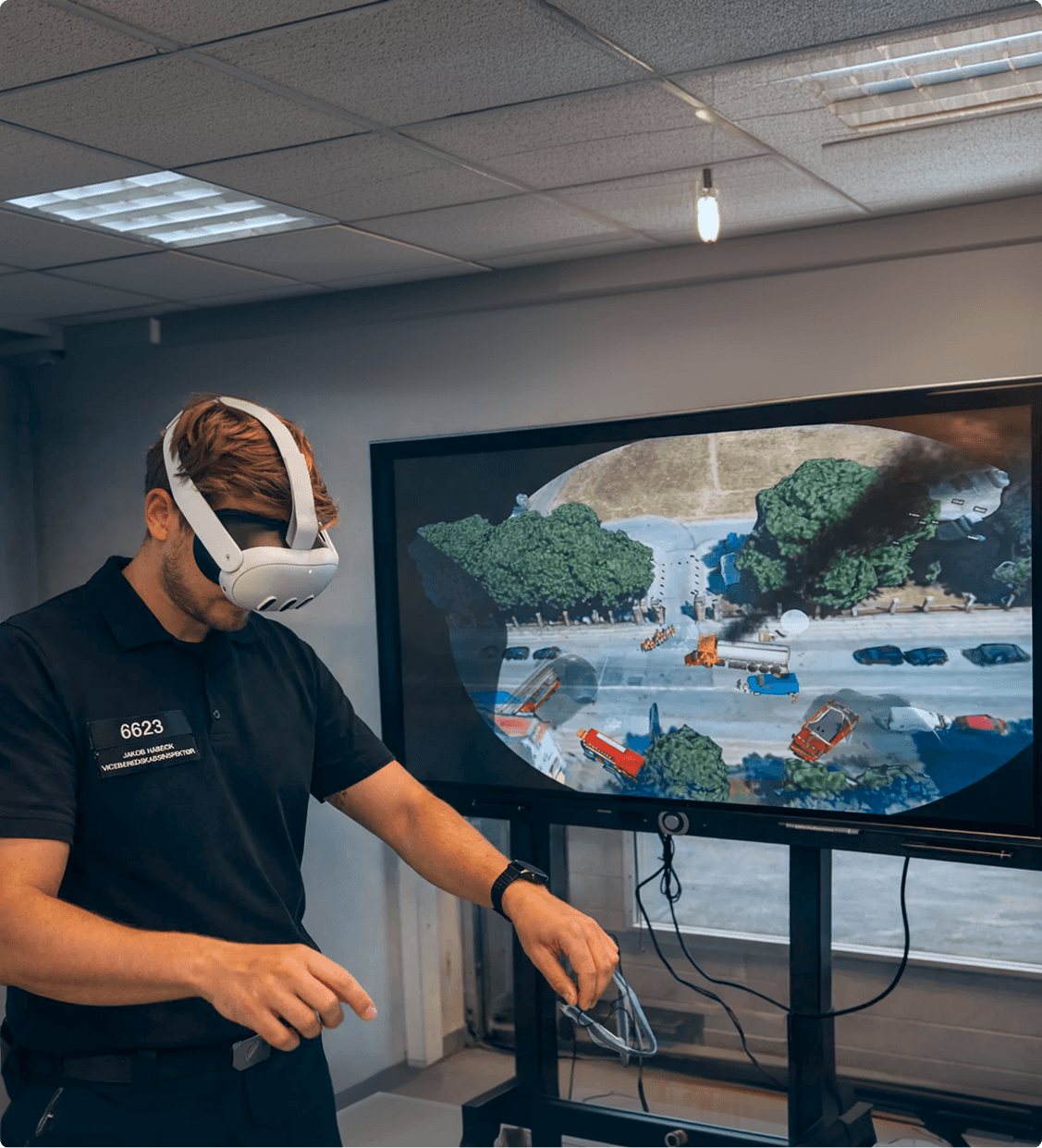
Weave Maps provides a more realistic and effective emergency training for everyone working with incident management and emergency events. The fact that more people can be digitally together at the game table allows for high user involvement, good learning outcomes, and opportunities for further development of various needs and areas of expertise.
Weave Maps provides a more realistic and effective emergency training for everyone working with incident management and emergency events. The fact that more people can be digitally together at the game table allows for high user involvement, good learning outcomes, and opportunities for further development of various needs and areas of expertise.

Oscar Eliassen
Oscar Eliassen
Sandefjord Fire and Rescue
Sandefjord Fire and Rescue
With Weave Maps, we gain the ability to train incident commanders on realistic scenarios in their own local environment, in a simple and effective way. By simulating in specific locations from our own district in a visual and interactive environment, we strengthen both situational awareness, decision-making, and preparedness - without having to conduct full-scale exercises in the field.
With Weave Maps, we gain the ability to train incident commanders on realistic scenarios in their own local environment, in a simple and effective way. By simulating in specific locations from our own district in a visual and interactive environment, we strengthen both situational awareness, decision-making, and preparedness - without having to conduct full-scale exercises in the field.

Sverre Hogstad
Sverre Hogstad
Trøndelag Fire and Rescue
Trøndelag Fire and Rescue
FAQ
FAQ
Are you having any questions?
Are you having any questions?
Have a look at our FAQs or drop us a message.
Have a look at our FAQs or drop us a message.
Do you have other questions?
Please reach out to us.
What is Weave Maps?
What is the difference between Weave Maps and other apps for practice in VR?
Which devices support Weave Maps?
Do I need technical expertise to build a scenario?
Can Weave Maps be used for more than just fire and rescue?
Do you support multiplayer mode?
What is Weave Maps?
What is the difference between Weave Maps and other apps for practice in VR?
Which devices support Weave Maps?
Do I need technical expertise to build a scenario?
Can Weave Maps be used for more than just fire and rescue?
Do you support multiplayer mode?
Do you have other questions?
Please reach out to us.
